Top Client Collaboration Tools to Improve Workflow and Client Relationships
Collaborating with clients can be tough… or it can be smooth, rewarding, and mutually beneficial. It all depends on your tools. The right client collaboration tools simplify your workflow so your projects move smoothly from kickoff to delivery.
)
Quick Summary
This guide covers the top client collaboration tools to keep teams and clients in sync, share files securely, and track projects from start to finish. Whether you’re managing visual assets or documents, these platforms streamline workflows, speed up approvals, and keep projects moving. For more client collaboration tips, visit the Picflow Blog.
Looking for the Best Client Collaboration Tools?
Effective client collaboration is a must. They’re the ones paying for your services, leaving reviews, recommending you (or not) to their friends and colleagues, and ultimately contributing to your success.
But… client collaboration can be a pain. Constant email threads, missed deadlines, confusion over who’s responsible for what—it’s enough to make you want to pull your hair out.
That’s where client collaboration tools come in. These tools provide a platform for you and your clients to work together in a streamlined and efficient manner.
In this Picflow guide, we help you make client collaboration less painless (and dare we say, even enjoyable?) by sharing our top tool recommendations and tips for using them effectively.
Why Listen To Us?
At Picflow, we’re trusted by 10,000+ creatives, industry leaders, and creative professionals, including high-profile clients like End, PetalPixel, BBDO, Publicis Groupe, and more. Our platform is designed to help you collaborate better with clients on visual content like images, videos, graphics, and more.
 So, we have a pretty good idea of what works and what doesn't when it comes to client collaboration tools.
What Are Client Collaboration Tools?
Client collaboration tools are applications designed to facilitate communication, project management, and collaboration between businesses and their clients.
The tools act as a platform where clients and businesses can interact, share photos and galleries or information, collaborate on projects, and track progress in real time. They can offer all kinds of features, like:
Messaging and chat
File sharing
Storage
Project management
Task assignment and tracking
Feedback and approval workflows
Reporting and analytics
11 Best Client Collaboration Tools
Check out our list of the best creative collaboration tools below:
| Tool | Visual Presentation | Review & Feedback Options | Best For | G2 Rating |
|---|---|---|---|---|
| Picflow | Branded galleries, slideshows, and responsive layouts | Favorites, flags, color labels, comments, in-image annotations | Photographers, marketers, designers, and creative professionals needing visual-first proofing | 4.4 |
| ClickUp | Basic task management previews, no gallery or branding | Comments, mentions, task assignments | All-in-one project management with basic file sharing | 4.7 |
| Teamwork | Basic file previews, for internal task tracking | Comments, file attachments | Service-based teams managing projects & clients | 4.4 |
| ProofHub | Basic project presentation in cards | Proofing & markup tools | Agencies needing integrated proofing & PM | 4.6 |
| Monday.com | Grid/timeline, no gallery focus | Comments, updates | Teams wanting visual project boards & automation | 4.7 |
| Trello | Board and list view only | Comments, attachments | Simple, card-based task tracking | 4.4 |
| Basecamp | No gallery view, just lists, and board view | Comments, discussions | Small teams needing simple communication & task tracking | 4.1 |
| Asana | Project, lists, and card view only | Comments, approvals | Task-focused PM for scaling teams | 4.4 |
| Slack | No gallery view | 1-1 communication, Comments in channels | Real-time messaging & quick file sharing | 4.5 |
| Wrike | Basic presentation view | Comments, proofing (Business plan) | Complex approval workflows in agencies | 4.2 |
| Miro | Board-based presentation | Comments, annotations | Visual brainstorming & remote workshops | 4.7 |
1. Picflow
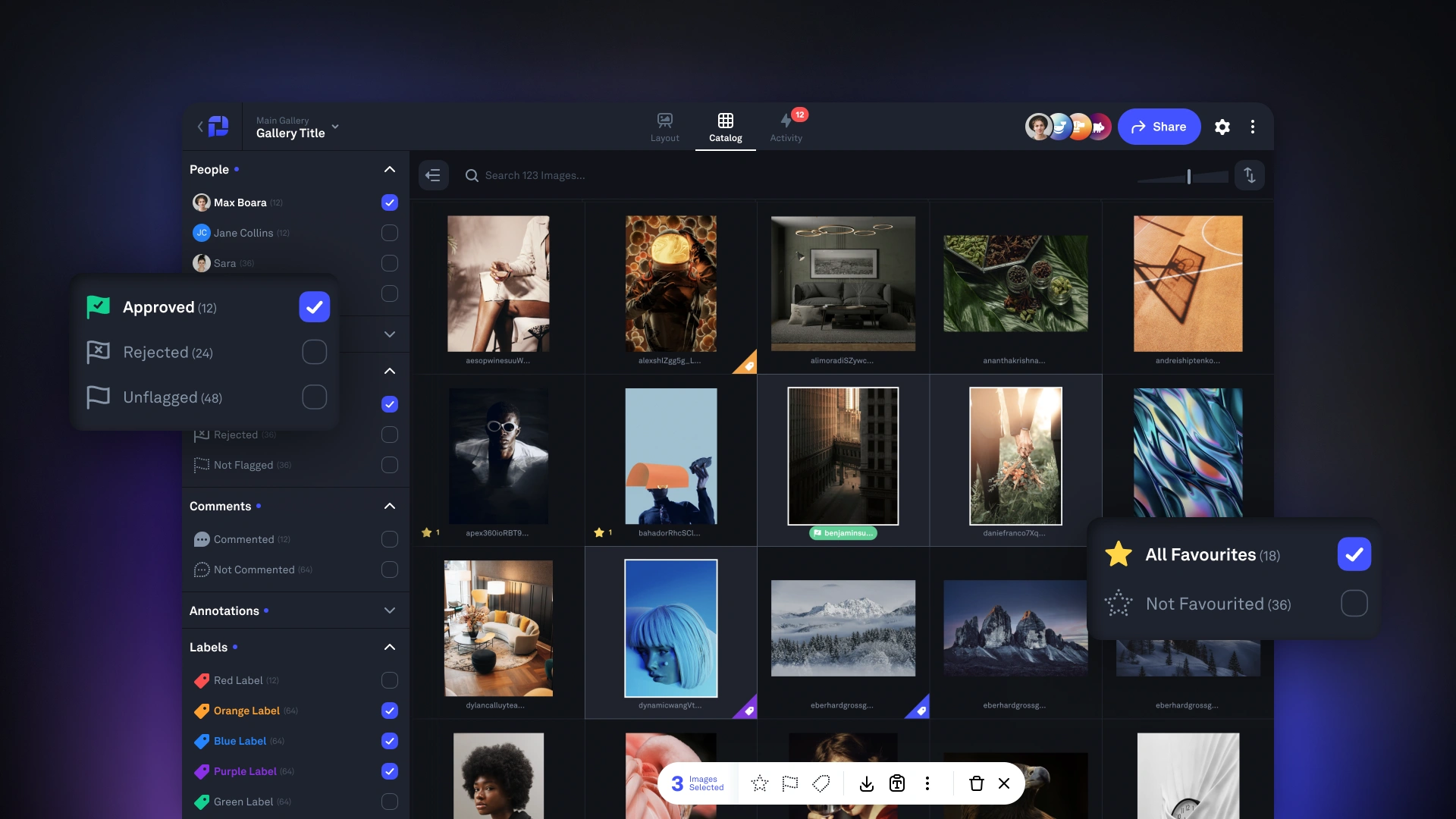 Picflow is a client collaboration platform designed for professionals who need to collect and action feedback on visual content like images, videos, and designs.
Our intuitive gallery designer makes it easy for anyone to create stunning galleries in minutes. And beneath the aesthetics, there are powerful and customizable features like comment threads, approval lists, image and video annotations, and version control.
Giving clients access is as easy as sharing a link. You can also easily control the features and assets they have access to with a deep settings menu.
Key Features
Easy Sharing: Create highly organized client galleries and share access with links and invites—no account signup required.
Feedback Tools: Let clients add feedback directly to visual assets with annotation tools, comment threads, and version control.
Review & Approval Tools: Speed up the approval process with customizable lists and notifications.
Versatile Media Support: Upload images and videos in different file formats, including JPEG, PNG, MP4, and more.
Customization Options: Set permissions for individual clients or groups, choose which assets are visible, and customize emails and branding.
Pros & Cons
Streamlined client interaction
Enhanced organization
Professional presentation
High-quality visuals
Time efficiency
Flexible access controls
Smooth integration
Only designed for visual content
2. ClickUp
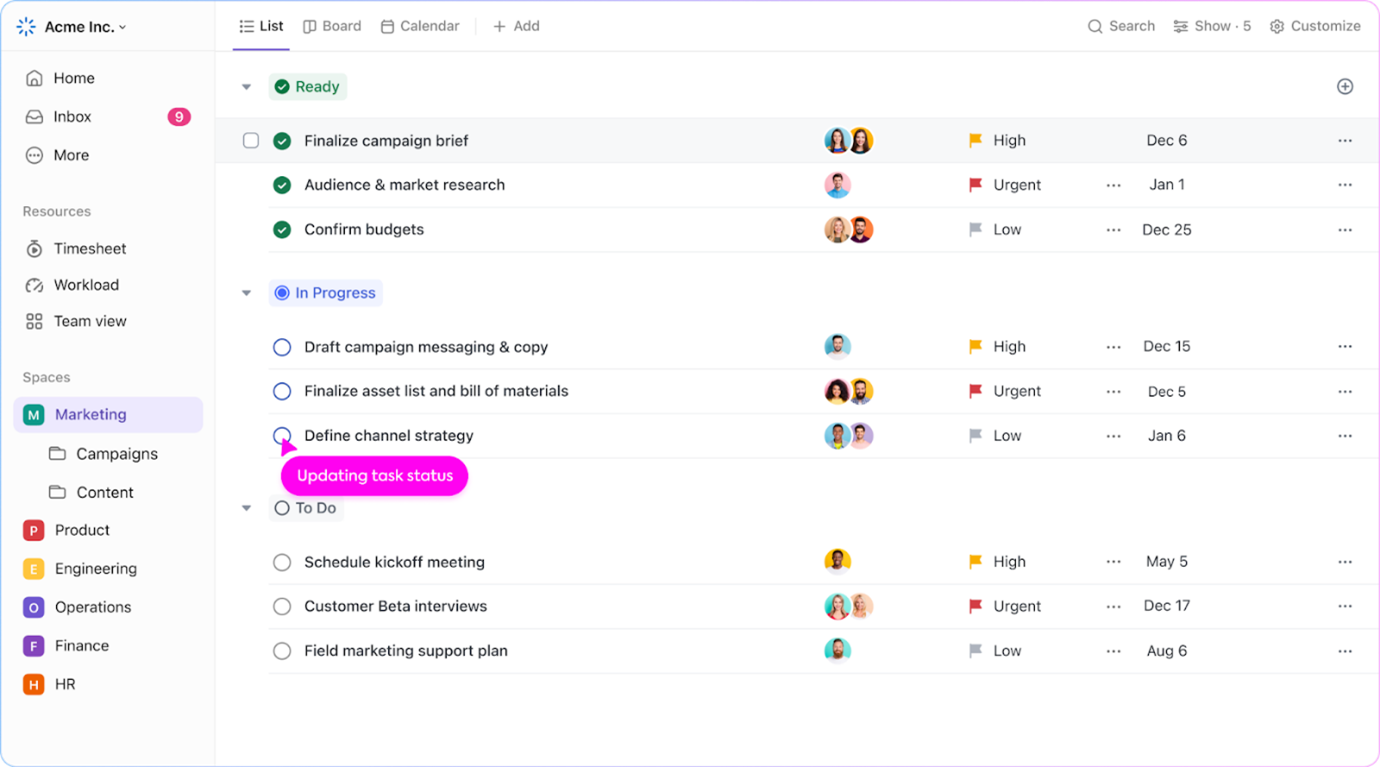 ClickUp is a versatile client collaboration and project management tool that caters to various industries and team sizes. It works great as a centralized hub for client documents, plans, strategies, and communication thanks to great roles and access controls.
Key Features
Customizable Dashboards: Allows users to create custom client dashboards to track project progress, team productivity, and more with real-time data.
Docs & Wikis: Integrated document management system that facilitates real-time collaboration on documents, including wikis for knowledge sharing.
Automation: Offers workflow automation tools to reduce manual effort on repetitive tasks, improving efficiency.
Communication Tools: Built-in chat, comments, and email integration to keep all communications centralized and accessible.
Pros & Cons
All-in-one platform
Highly customizable
Enhances team collaboration
Automation
Real-time tracking
Suits teams of any size
Comprehensive integration
Some users report performance lags
3. Teamwork
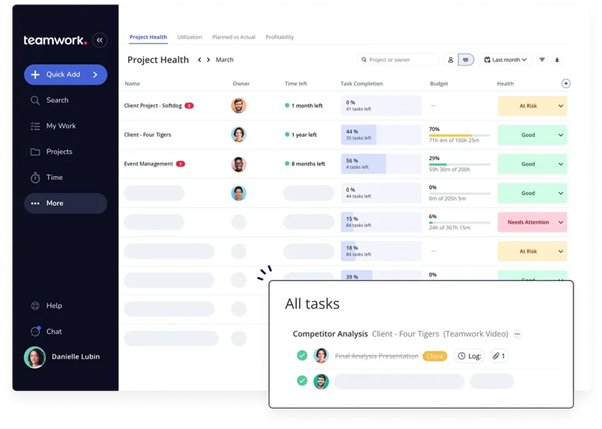 Teamwork is a project management and client collaboration platform designed to help teams increase their efficiency and streamline collaboration. Ideal for agencies, service providers, and remote teams, It emphasizes customizability and client-handling features, ensuring projects stay on track and within budget.
Key Features
Project Management: Comprehensive tools for task assignment, time tracking, milestones, and project scheduling.
Client Portals: Dedicated client portals that allow clients to view updates, provide feedback, and communicate directly within the platform.
Resource Management: Helps manage team resources effectively by tracking availability and workload to prevent over-scheduling.
Customizable Dashboards: Users can create tailored dashboards to view the most critical project data at a glance.
Pros & Cons
Enhanced client engagement
Versatile project management tools
Effective resource allocation
Customization options
Streamlined document handling
Direct billing capabilities
Suitable for small teams and large organizations
Learning curve for new users
4. ProofHub
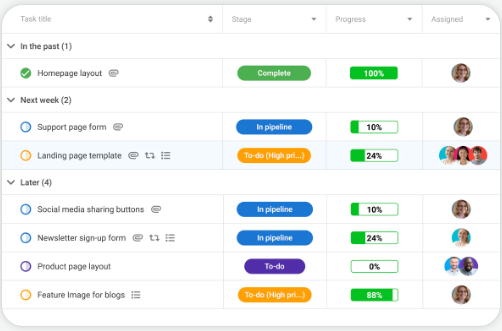 ProofHub is a versatile client collaboration and project management software that centralizes tasks, documents, communications, and timelines all in one place. It is designed to help teams of all sizes manage projects efficiently while enhancing communication with clients.
ProofHub aims to eliminate the need for multiple tools by providing a comprehensive solution that handles every aspect of project management and client interaction.
Key Features
Time Tracking: Built-in time tracking tools help manage and record the time spent on projects for better productivity and billing.
Custom Roles and Permissions: Customize user access to protect sensitive information and ensure clients only see what they need to.
Discussion and Chat Tools: Facilitate direct communication within teams and with clients, ensuring all discussions are logged and accessible.
Reports and Analytics: Generate detailed reports to track project progress, resource allocation, and overall performance.
Pros & Cons
Efficient proofing and approval
Comprehensive task management
Enhanced security
Real-time collaboration
Accessible anywhere
Insightful analytics
The wide range of features can make the interface cluttered
Some users may experience lag
5. Monday.com
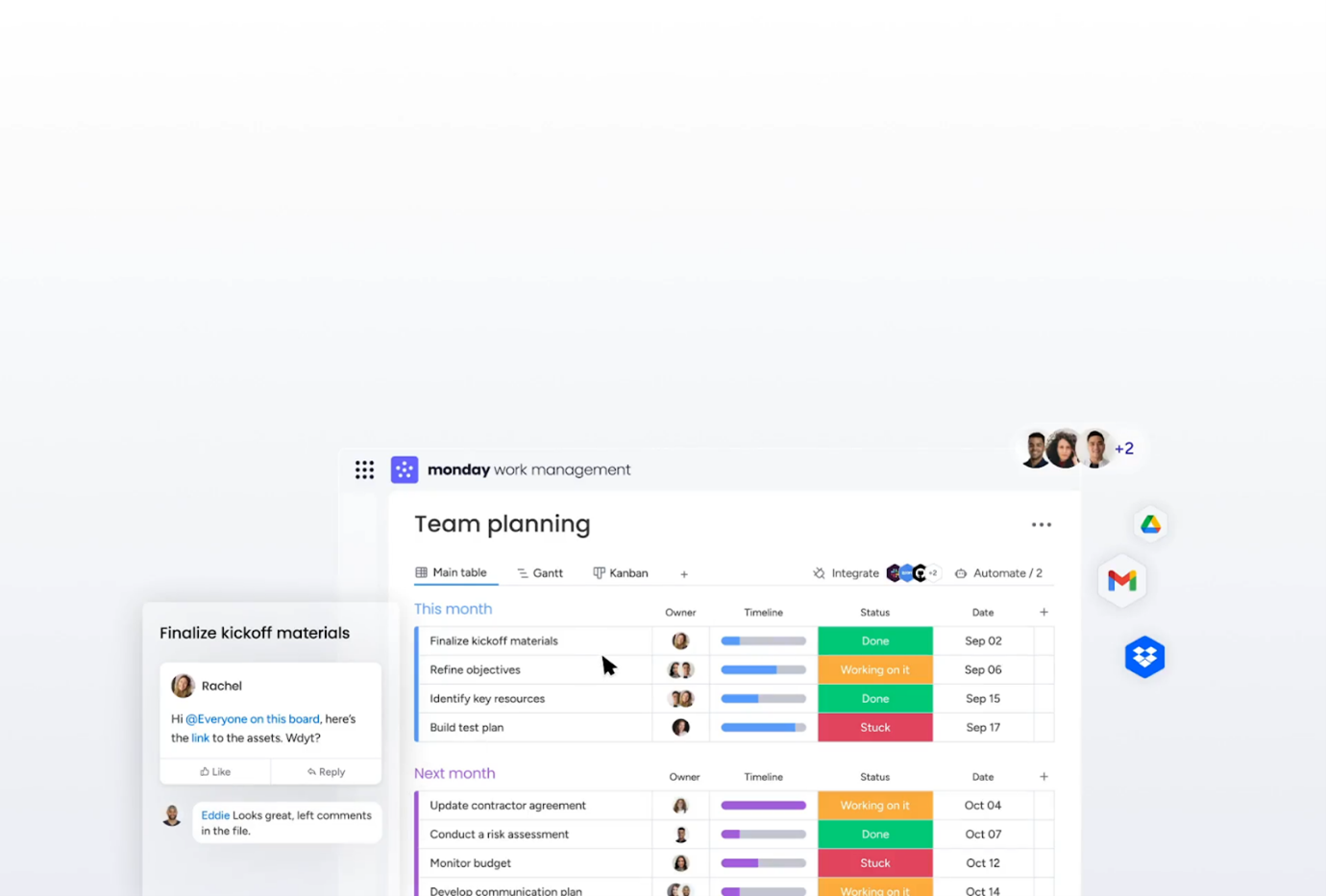 Monday.com is a very flexible client collaboration and project management platform that adapts to all kinds of industries, workflows, and use cases.
With user types like ‘Visitor’ and ‘Guest’ (along with a ton of customization options), monday.com can easily become a powerful client collaboration tool—not just an internal one. Plus, with insightful analytics and progress tracking, you can easily keep your clients informed and up-to-date on project statuses.
Key Features
Visual Project Tracking: Utilizes colorful, easy-to-understand boards that can be customized as Kanban boards, timelines, Gantt charts, and calendars.
Real-Time Communication: Features like mentions, notifications, and an integrated inbox ensure that everyone is aligned and informed.
Document Collaboration: Facilitates file sharing and document collaboration directly within the platform, making it easy to gather feedback and make revisions.
Dashboards: Data-rich, customizable dashboards provide insights into projects, workflows, and team productivity at a glance.
Pros & Cons
Highly customizable interface
Enhanced automation
Seamless integration
User-friendly design
Effective collaboration features
Comprehensive reporting
Accessibility across devices
Can be expensive for smaller teams
6. Trello
 Last on our list? Trello.
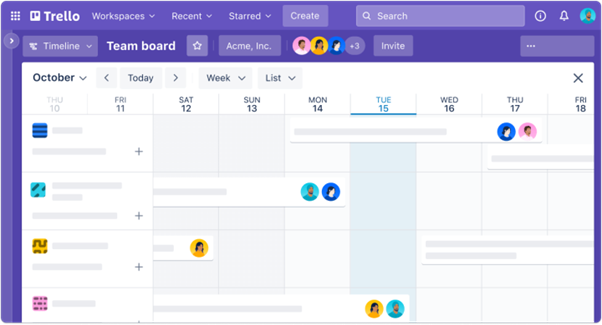
Trello is a highly visual project management and collaboration tool with a card-based system that makes organizing tasks and projects quick, simple, and fun. If you’re looking for a tool that will help you keep clients in the loop without much explaining, Trello might just be the solution for you.
Key Features
Boards, Lists, and Cards: Organize projects into boards, which are then broken down into lists (stages of a project) and cards (individual tasks).
Customizable Workflows: Each board can be customized with its own set of rules, processes, and workflows, fitting various project needs.
Automation with Butler: Trello’s built-in automation tool, Butler, helps automate common tasks like moving cards, sending notifications, and creating custom buttons.
Integrations (Power-Ups): Enhance boards with additional features through integrations with other apps like Slack, Google Drive, and Jira.
Pros & Cons
User-friendly interface
Flexible customization
Effective client collaboration
Automation capabilities
Seamless integration
Accessibility
Visual task management
Limited reporting tools
Can easily become cluttered
7. Basecamp
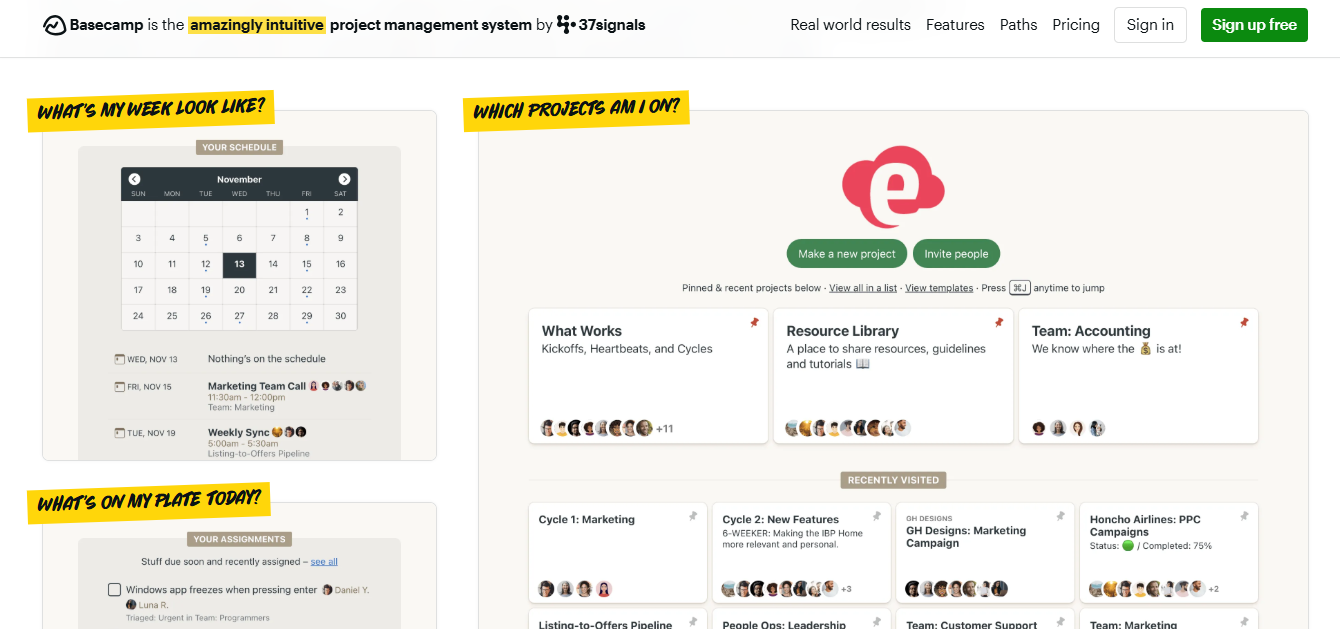
Basecamp is a long-standing collaboration platform that centralizes client communication, file sharing, task management, and scheduling. It’s designed for clarity and simplicity, making it easy for teams and clients to stay aligned without the distraction of overly complex software.
Key Features
Message Boards & Group Chat: Keep all client communication in one place, no messy email chains.
To-Do Lists: Assign and track tasks with due dates, priorities, and team responsibilities.
Client Access: Clients get their own clean interface with limited access to relevant items.
Docs & Files: Upload and organize files by project, so they’re easy to find and share.
Pros & Cons
Easy to use and onboard.
Flat pricing (great for teams with many users).
Improves project visibility for clients.
Combines messaging, task tracking, and file sharing in one place
Lacks advanced reporting and automation.
Limited integration with other tools.
No visual review tools
Lacks gallery presentation view for creatives.
8. Asana
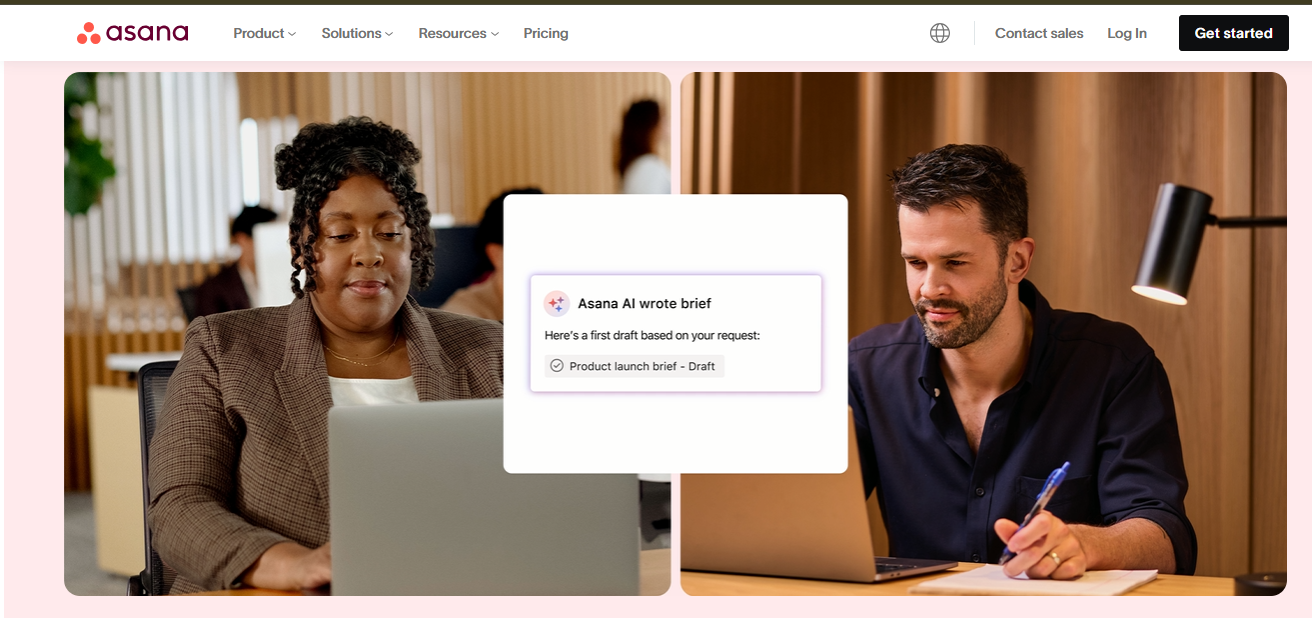
Asana combines client collaboration with powerful task management, making it perfect for teams that need structure without losing flexibility. Its visual workflows give clients a clear view of project progress.
Key Features
Timeline and Calendar Views: Visualize deadlines, tasks, and dependencies for full project visibility.
Guest Access: Invite clients as guests to view or comment on specific projects.
Automations: Eliminate repetitive admin work with rules, triggers, and templates.
Custom Fields and Forms: Receive structured input from clients and manage deliverables efficiently.
Pros & Cons
Clear, visual project tracking
Good balance between structure and flexibility
Strong automation and reporting
Seamless integrations with tools like Slack, Google Drive, etc.
It can be complex for first-time users
Requires setup for optimal workflows
Limited proofing tools (annotations available only on certain file types)
Branding and client-facing customization are minimal
9. Slack
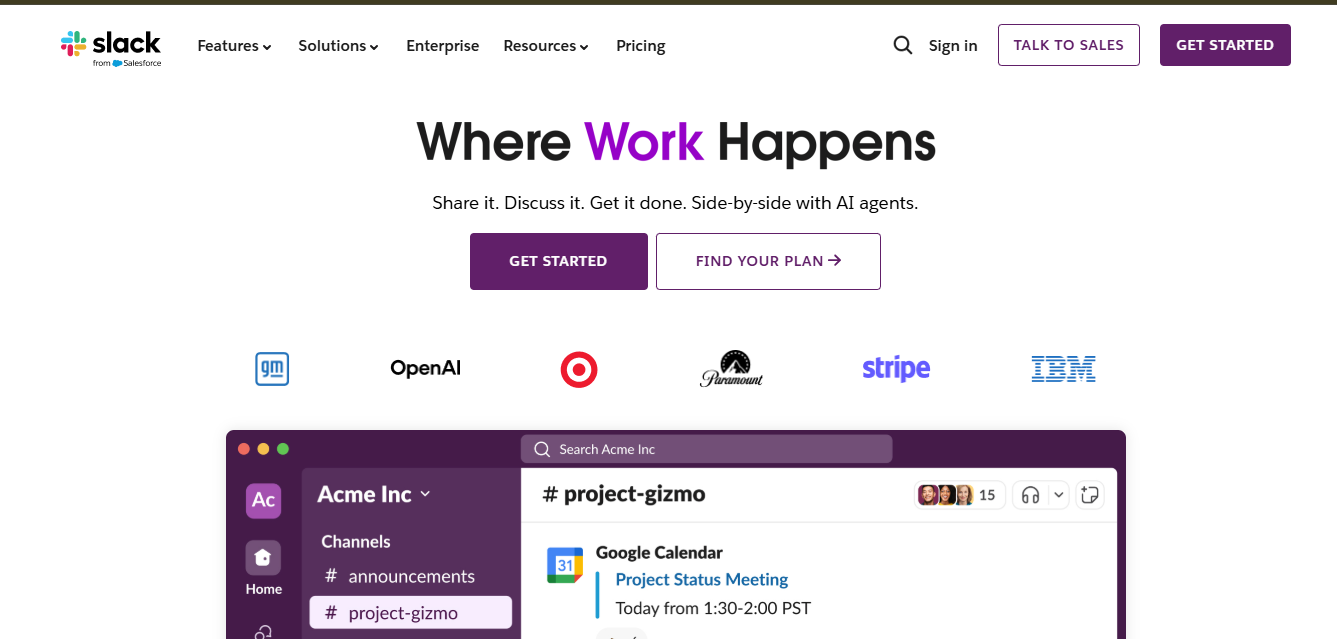
Slack isn’t a full project management tool, but it’s also a real-time communication platform for teams and clients. Channels, threads, and app integrations keep conversations organized, making it ideal for seamless client collaboration and communication.
Key Features
Shared Channels: Collaborate with clients in dedicated workspaces.
App Integrations: Connect tools like Trello, Asana, or Google Drive directly into Slack.
File Sharing & Search: Share files and search conversations easily.
Huddles & Clips: Conduct quick check-ins or share updates via audio and video.
Pros & Cons
Fast, transparent communication
Integrates seamlessly with other platforms
Reduces email overload
Easy file sharing within channels and DMs
Not suited for task or timeline management
Can get noisy without proper setup
Minimal branding or client-facing customization
No gallery or visual presentation features
10. Wrike
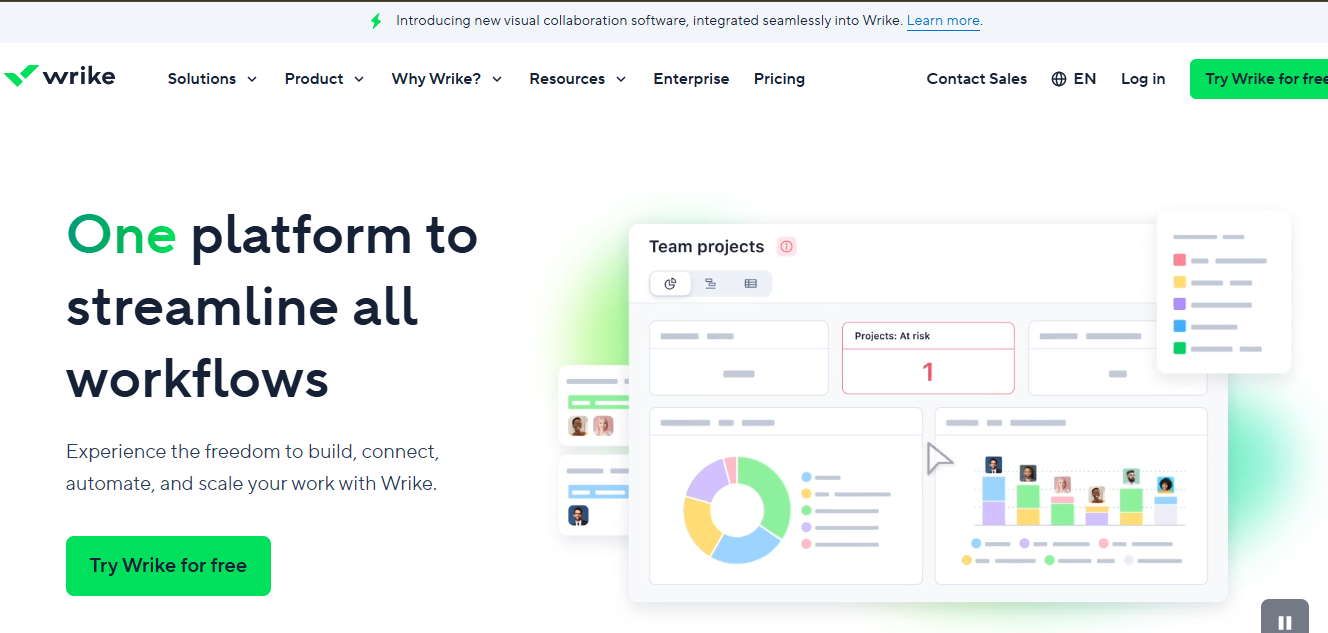
Wrike is designed for agencies and large teams that require enterprise-grade client collaboration. It combines detailed permission controls with visual project tracking and automation to keep everyone updated on project progress.
Key Features
Custom Workflows: Create review processes tailored to each client.
Dynamic Reports: Automatically share progress snapshots with clients.
Request Forms: Streamline client inputs and approvals.
Role-Based Access: Protect sensitive information while ensuring clients have the appropriate level of visibility and access.
Pros & Cons
Great for structured client workflows
Scalable for large teams and agencies
Highly customizable and secure
Built-in proofing and approval tools
Can feel complex for new users
Higher cost than simpler project management tools
Proofing limited to certain file types
Branding and client-facing customization are minimal
11. Miro
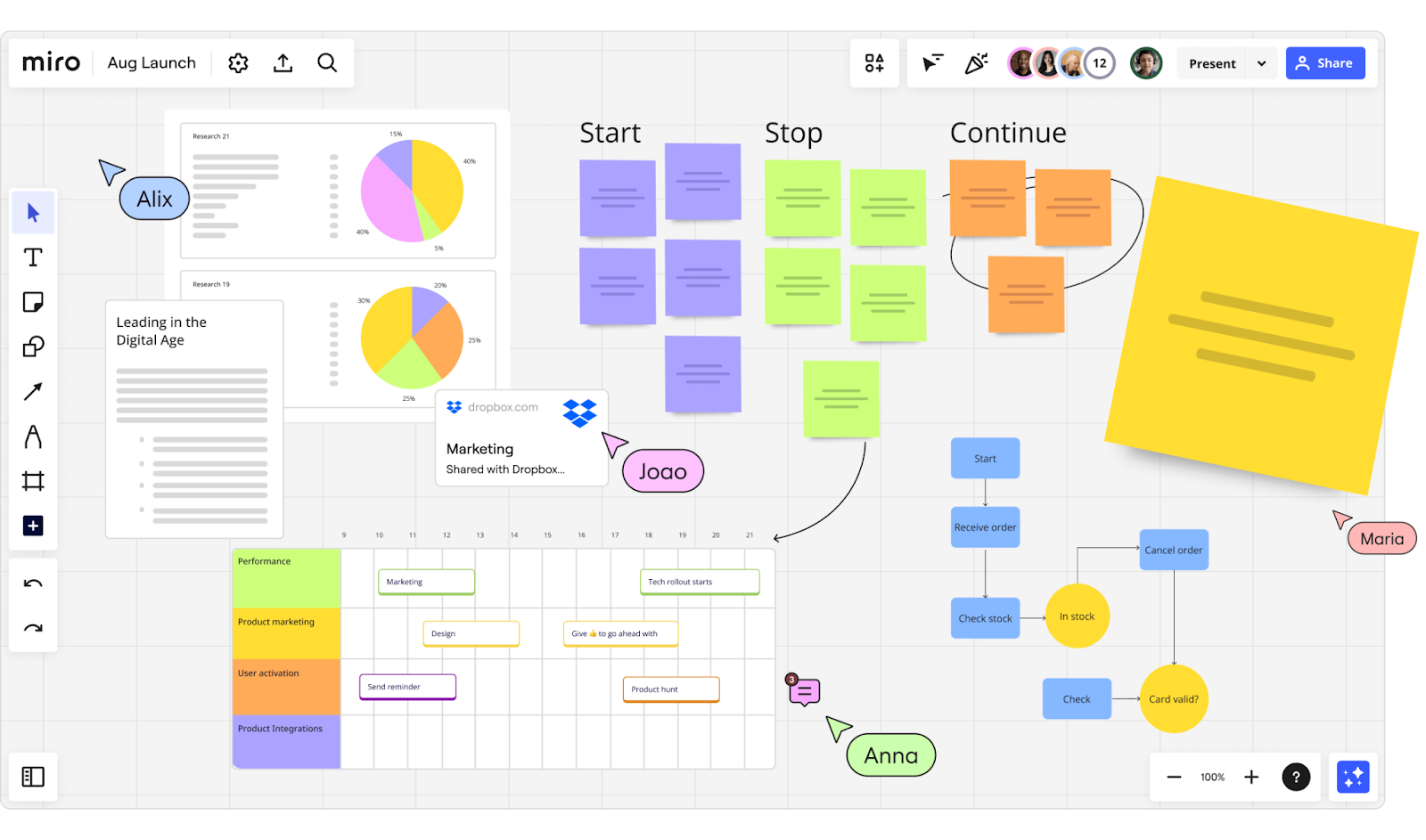
Miro is a visual collaboration platform built for brainstorming, strategy, and co-creation. It’s ideal for agencies and consultants who collaborate with clients through whiteboards, diagrams, or planning sessions.
Key Features
Infinite Canvas: Collaborate visually in real time with sticky notes, mind maps, and flowcharts.
Guest Access: Allow clients to view or co-create boards without full accounts.
Templates: Choose from prebuilt canvases for project planning, retrospectives, and wireframes.
Integrations: Connect seamlessly with tools like Zoom, Slack, Jira, and more.
Pros & Cons
Excellent for interactive client sessions
Makes planning and ideation highly visual
Highly customizable
Large library of templates for brainstorming and planning
Lacks traditional task tracking features
May require onboarding for less tech-savvy clients
Limited asset management capabilities
Can feel cluttered with large boards
Benefits of Using Client Collaboration Tools
Here are some of the benefits of using client collaboration tools:
Improved Communication: Client collaboration tools facilitate seamless communication between businesses and their clients, allowing for real-time messaging, video sharing, and file sharing to foster collaboration and improve clarity.
Transparency: Client collaboration tools give clients visibility into project progress, timelines, and deliverables, promoting transparency and trust between businesses and their clients.
Streamlined Workflows: By centralizing communication, file sharing, and task management, reducing inefficiencies, and ensuring tasks are completed on time and within budget. These tools streamline the project management process.
Client Engagement: Acting as a platform to provide feedback, review project milestones, and collaborate with the project team, client collaboration tools enhance client engagement and satisfaction, leading to stronger relationships and repeat business.
Increased Productivity: Client collaboration tools enable teams to work more efficiently by providing access to all project-related information and resources in one centralized location, minimizing the need for email exchanges and ensuring everyone is on the same page.
Criteria To Consider When Choosing A Client Collaboration Tools
Consider the following factors when choosing a client collaboration tool:
Ease of Use: Select a client collaboration tool with a simple interface that’s easy for your team and clients to navigate without needing long training sessions.
Collaboration Features: Look for tools that offer a comprehensive set of collaboration features such as messaging, file sharing, task management, and project tracking to support effective communication and teamwork.
Access Controls: Your clients don’t need access to everything. Keep sensitive information internal by choosing a tool that lets you set access controls and permissions to limit what clients can see and do.
Integration: Make sure the tool you choose integrates with your existing systems, such as project management tools, email, messaging platforms, and more. This will help streamline workflows and avoid duplication of efforts.
Scalability: Choose a client collaboration tool that can scale with your business as it grows, accommodating changes in team size, project complexity, and client needs without sacrificing performance or usability.
Conclusion
Client collaboration tools are crucial for businesses to build better client relationships and improve project results. With the right client collaboration tool in place, businesses can increase productivity, boost client satisfaction, and drive success in client engagements.
With Picflow, creative professionals can streamline client interactions through a highly customizable online gallery system that supports easy sharing, feedback, and approvals.
Start using Picflow today and experience the impact of seamless, effective client collaboration firsthand.
)